

Notes from the KAYAC hyper-casual team
Tag: 3DCG (7)
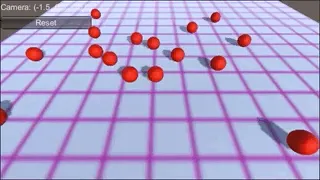
I Want to Fit Things on Screen Just Right in a 3D Game! Automatically!
How to compute a camera position, with direction and field of view fixed, so that a set of points in 3D space just fits on screen, worked out first in 2D and then turned into Unity code.
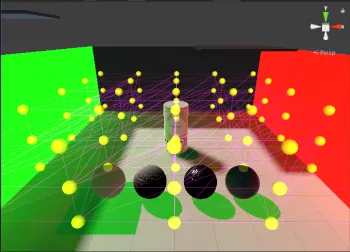
"For Now" Rendering Settings for 3D Smartphone Games
A rough guide to lighting calculation (direct, indirect and environmental light; diffuse and specular reflection) and the default lightmap, shadow, LightProbe and quality settings I use when prototyping 3D smartphone games in Unity, with measurements on a low-end phone.
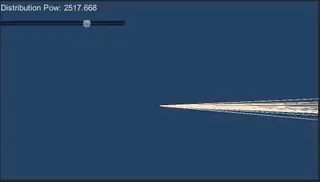
Rotating a Vector in 3D Space
How to scatter beams in a cone around an axis in Unity: with a Transform, by converting a local vector to world space, and without one, by building a RotateVector function from projection, dot and cross products.

Homing Calculations for Beams and Missiles
How the beams in a particle demo home in on their target: the common ways to steer toward an enemy, and the method used here, which bends the velocity with a capped centripetal acceleration and keeps the speed constant with propulsion and damping.
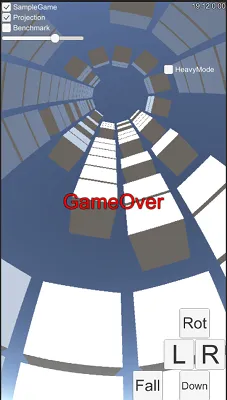
Changing the Perspective of CG with Shaders
A Unity post-process shader that turns ordinary perspective rendering into a fisheye-like azimuthal equidistant projection, so wide fields of view don't stretch the edges, with a vertex-shader speed-up and the problems that remain before it could ship.

Bloom Effects Even on Cheap GLES2 Phones
A post-process bloom effect for Unity that runs within GLES2 on low-end phones, based on Kawase's multi-resolution Gaussian blur: how it works, how it cuts render target switches, draw calls and texture reads, its quality limits with 8-bit buffers, and how its GPU load was measured.

Making Effects That Travel Between the 2D and 3D Worlds in Unity
How to send effects between characters in a 3D world and 2D UI drawn by a separate camera in Unity: placing 3D effects at a UI element's position, and drawing 2D effects that look as if they move in 3D, with the vector math.